Snooze and edit controls matter because real plant care does not always happen exactly when a notification arrives.
Water Planter: Plant Care blog
Plant Reminder Snooze and Edit Best Practices
When to snooze, edit, skip, or complete a plant reminder so your care history stays useful and accurate.
Water Planter Editorial Team2026-07-088 min read
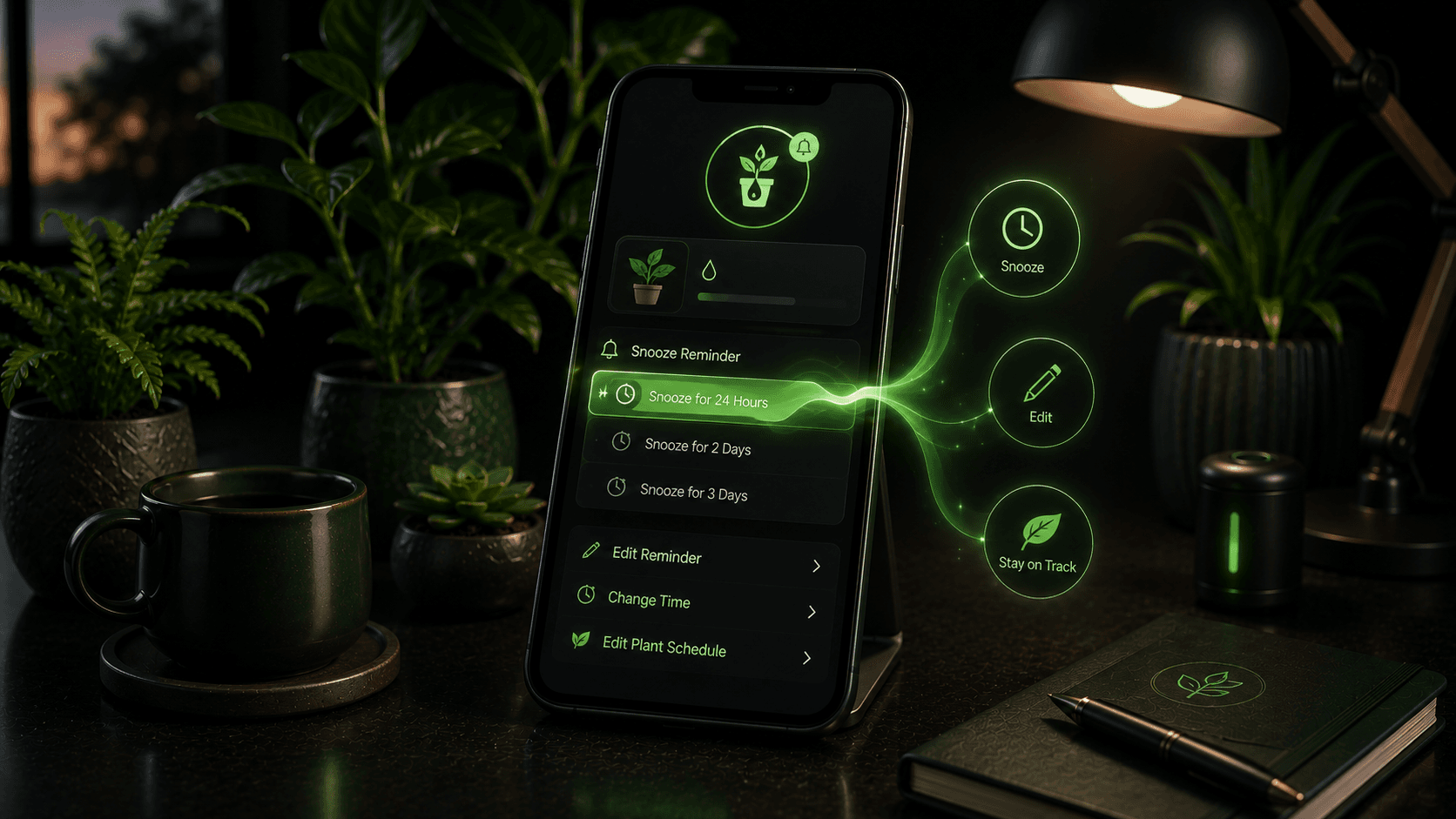
Table of contents
Why this matters for plant care
Signals worth watching
- Soil result at reminder time
- Whether the plant is indoors or outdoors
- Upcoming weather
- Care history accuracy
- How long the reminder should move
Where Water Planter helps
Water Planter supports snooze and edit controls in upcoming timers, making reminders flexible without losing care context.
Common mistakes to avoid
Tip
Use reminders as a prompt to inspect the plant, then let soil and conditions guide the action.
Common mistakes
- - Marking watered when you only checked soil
- - Snoozing repeatedly without updating plant details
- - Ignoring weather changes before editing
FAQ
When should I snooze a plant reminder?
Snooze when the plant does not need action yet but should be checked again soon.
When should I edit a timer?
Edit when the plant setup, season, placement, or repeated soil results show the interval should change.
Conclusion
Plant Reminder Snooze and Edit Best Practices becomes easier when the routine adapts to the real plant instead of a fixed guess.
Water Planter is built to make that routine simple, visible, and easier to repeat.
Suggested internal links
CTA
Want plant reminders that start with checking the soil?
Water Planter combines soil-check timers, AI plant identification, weather-smart reminders, plant mood, care history, and streaks for calmer plant care.