Overwatering and underwatering can both make a plant look unhappy, which is why guessing from leaves alone can be misleading. Soil moisture, timing, pot drainage, and recent care history give a much clearer answer.
Water Planter: Plant Care blog
Overwatering vs Underwatering: How to Tell the Difference
How plant owners can compare soil, timing, plant mood, and history before deciding whether a plant needs water.
Water Planter Editorial Team2026-07-088 min read
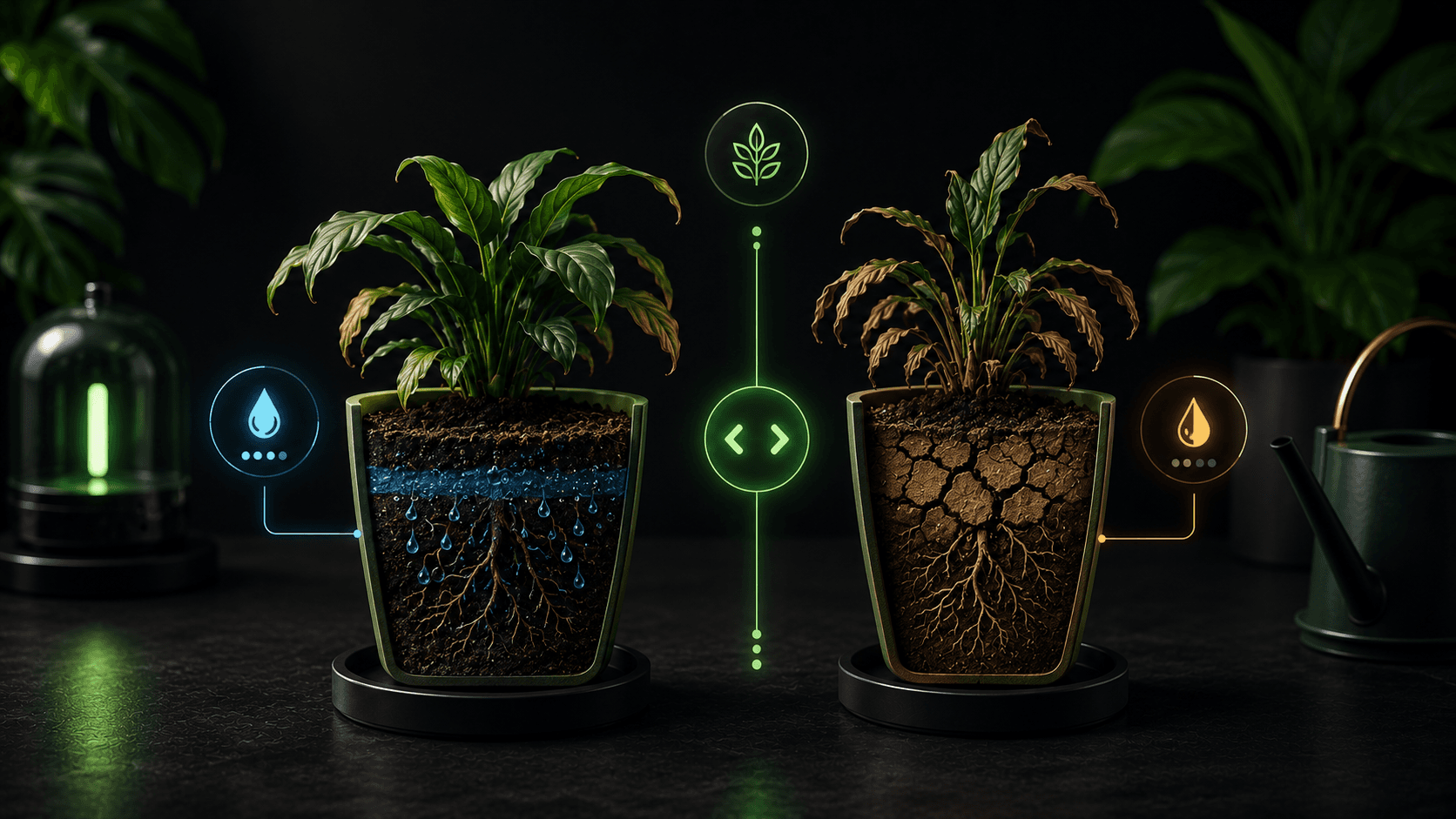
Table of contents
Why this matters for plant care
Signals worth watching
- Current soil moisture
- Time since last watering
- Pot size and drainage
- Plant mood and overdue status
- Recent weather or indoor temperature changes
Where Water Planter helps
Water Planter keeps watering history, soil-check timers, plant mood, and quick actions together so owners can inspect before choosing to water.
Common mistakes to avoid
Tip
Use reminders as a prompt to inspect the plant, then let soil and conditions guide the action.
Common mistakes
- - Watering every sad-looking plant immediately
- - Ignoring wet soil because the reminder fired
- - Using the same logic for succulents and tropical plants
FAQ
How can I tell if a plant needs water?
Check the soil first, then compare the result with the plant type, pot, light, weather, and care history.
Can Water Planter prevent overwatering?
Water Planter helps reduce overwatering by reminding users to check soil before watering.
Conclusion
Overwatering vs Underwatering becomes easier when the routine adapts to the real plant instead of a fixed guess.
Water Planter is built to make that routine simple, visible, and easier to repeat.
Suggested internal links
CTA
Want plant reminders that start with checking the soil?
Water Planter combines soil-check timers, AI plant identification, weather-smart reminders, plant mood, care history, and streaks for calmer plant care.