The best watering reminder app should do more than send a fixed alarm. It should help you understand when to check, what changed, and why the next care action makes sense.
Water Planter: Plant Care blog
Best Plant Watering Reminder App Features to Look For
A practical checklist for choosing a plant watering reminder app with soil checks, AI plant ID, weather alerts, history, and streaks.
Water Planter Editorial Team2026-07-088 min read
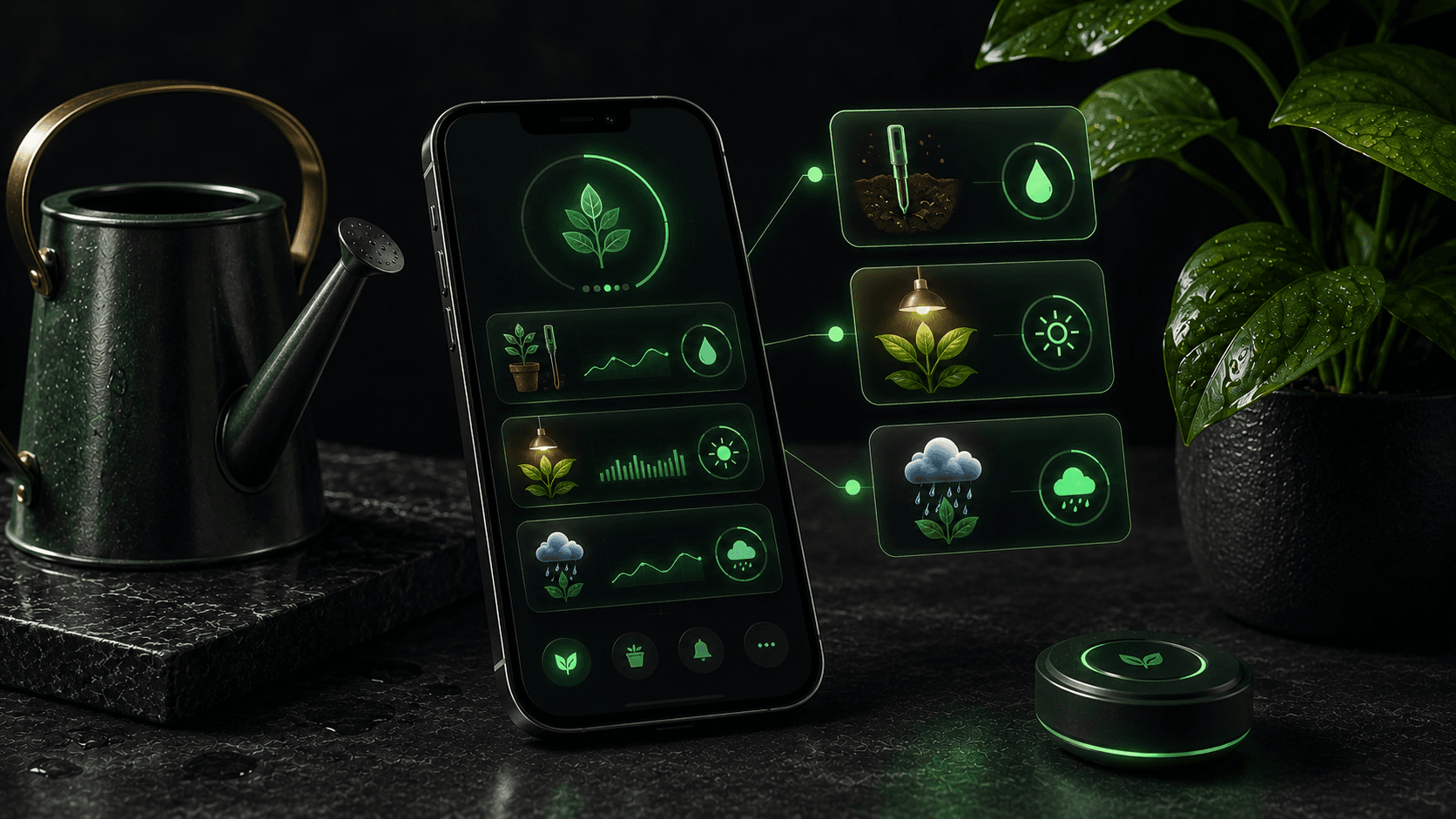
Table of contents
Why this matters for plant care
Signals worth watching
- Soil-check reminders instead of blind schedules
- AI plant identification
- Weather-smart alerts
- Plant mood and care explanations
- History, calendar, snooze, and vacation mode
Where Water Planter helps
Water Planter combines these features into one care routine for owners managing one plant or a larger indoor collection.
Common mistakes to avoid
Tip
Use reminders as a prompt to inspect the plant, then let soil and conditions guide the action.
Common mistakes
- - Choosing an app that only repeats fixed reminders
- - Ignoring weather for outdoor plants
- - Skipping care history and plant-specific setup
FAQ
What should a plant reminder app include?
Look for soil checks, plant profiles, history, smart timers, weather context, and easy snooze or edit controls.
Why is Water Planter different?
Water Planter focuses on checking soil first, then recalculating reminders from real plant conditions.
Conclusion
Best Plant Watering Reminder App Features to Look For becomes easier when the routine adapts to the real plant instead of a fixed guess.
Water Planter is built to make that routine simple, visible, and easier to repeat.
Suggested internal links
CTA
Want plant reminders that start with checking the soil?
Water Planter combines soil-check timers, AI plant identification, weather-smart reminders, plant mood, care history, and streaks for calmer plant care.