Chat Genie blog

Best AI Chat App for iPhone in 2026: What to Look For Before You Download

What iPhone users should compare before choosing an AI chat app for writing, study, code help, search, documents, and creative work.

Chat Genie Editorial Team2026-03-1210 min read
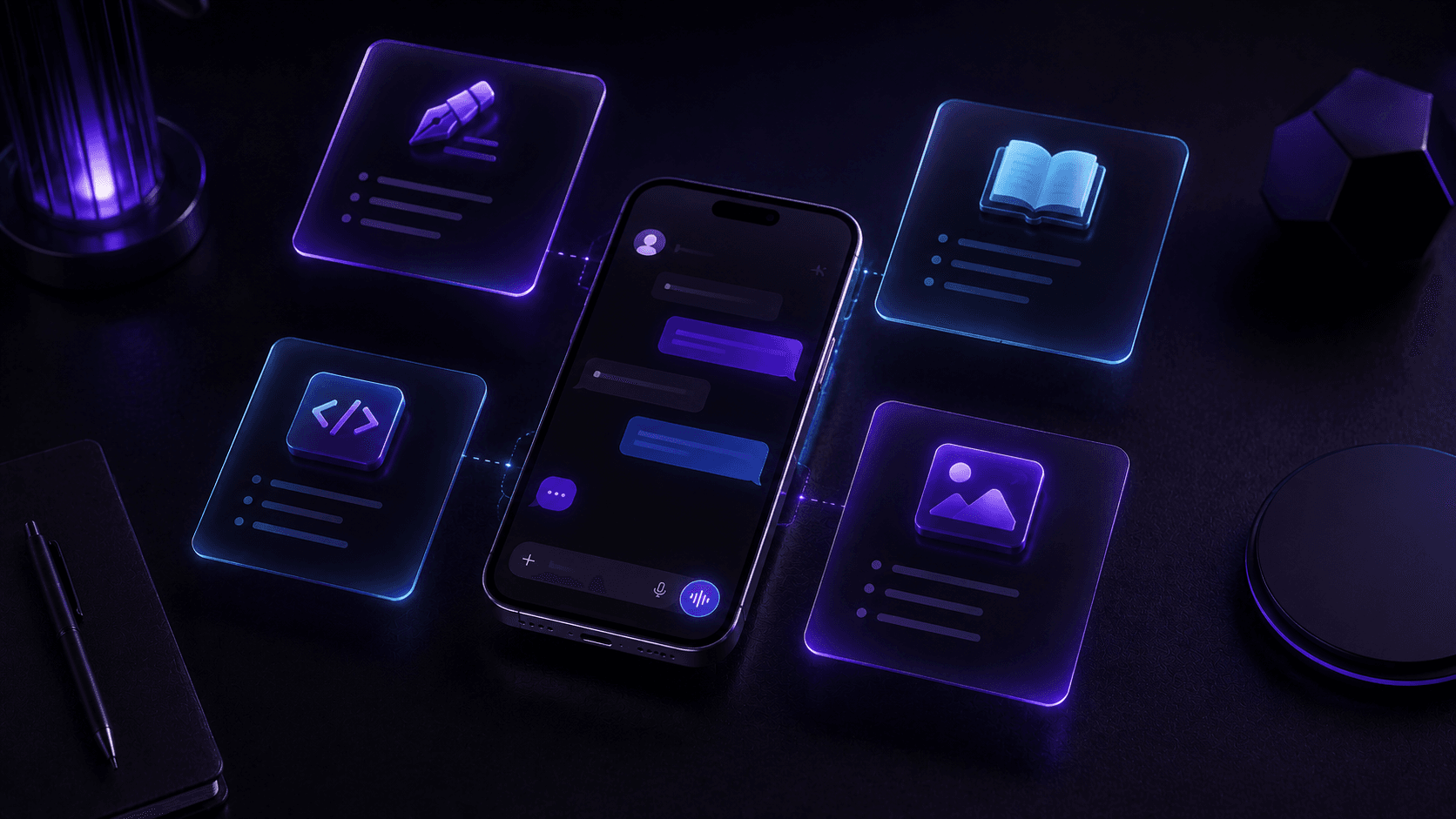
Premium 3D editorial scene of an iPhone floating above a clean desk with study notes, code symbols, and creative AI elements.

Table of contents

Why AI chat apps are becoming everyday tools

AI chat apps are no longer used only by early adopters or technical users. They have become practical daily tools for writing, studying, planning, quick research, coding questions, translation, and creative brainstorming. That shift matters because the best app is no longer the one with the biggest headline claim. It is the one that fits the way you already work.

For iPhone users in particular, convenience matters a lot. A useful AI app should feel fast, clean, and adaptable enough to handle more than one kind of task. If you need one app for emails, homework, documents, quick answers, and idea generation, the question becomes less about hype and more about workflow fit.

What features actually matter in an AI chat app for iPhone

A good AI app on iPhone should make it easy to move from a question to an outcome. That means looking beyond surface screenshots and comparing what the app really helps you do once the novelty wears off.

  • Access to more than one AI model when different tasks need different strengths
  • Strong writing help for emails, captions, summaries, and rewriting
  • Study support such as notes, flashcards, explanations, and homework help
  • Web search for fresher answers when current information matters
  • Document and photo upload for PDFs, notes, and visual analysis
  • Creative tools such as image generation or image transformation
  • Privacy and pricing that feel clear rather than vague

Why multi-model access makes a real difference

One of the clearest changes in the AI app market is that users now understand different models can behave differently. One model may feel stronger for brainstorming, another for structured reasoning, another for coding, and another for concise summarization. Having access to more than one model in one app can save time and improve confidence.

That is especially useful when you do not want to install multiple apps just to handle slightly different tasks. Instead of switching services constantly, you can compare answers, refine drafts, and keep your workflow in one place.

Comparison checklist

  • - Can the app handle writing, study, documents, and quick research in one interface?
  • - Can you compare answers instead of trusting one response blindly?
  • - Does the app help you start tasks faster with advisors or guided tools?
  • - Is the design simple enough to use every day on iPhone?

Tip

If an AI app looks impressive but only solves one narrow task well, it may become less useful after the first week.

Where Chat Genie fits for iPhone users

Chat Genie is designed for people who want one AI workspace instead of a collection of disconnected tools. It combines multiple AI models with smart advisors, guided task toolkits, writing help, study features, document tools, image generation, and search-assisted answers in one iPhone experience.

That does not mean every user needs every feature every day. The real advantage is flexibility. You can move from rewriting an email, to summarizing a PDF, to comparing answers across models, to brainstorming social captions without changing apps.

How to choose the right AI app without being misled by marketing

A lot of AI app marketing focuses on broad promises like smarter writing, faster work, or all-in-one support. Those claims are easy to make. What matters more is whether the product helps with your own repeated tasks in a way that feels natural on mobile.

The best choice usually becomes clear when you think about your top three use cases. If you care most about writing, study help, real-time search, documents, or model comparison, choose the app that makes those tasks easier first.

Common mistakes

  • - Choosing the app with the loudest marketing instead of the clearest workflow value
  • - Ignoring document, search, or privacy features until after subscribing
  • - Assuming one model will be equally strong at every task
  • - Treating a short demo as proof of long-term usefulness

FAQ

What is the best AI chat app for iPhone in 2026?

The best AI chat app for iPhone in 2026 depends on your workflow, but many users benefit most from an app that combines multiple models, writing help, study support, search, document tools, and creative features in one place.

Why does multi-model access matter in an AI app?

Different AI models can perform differently across tasks like writing, coding, reasoning, and summarizing. Multi-model access helps users compare and refine answers more effectively.

What makes Chat Genie useful on iPhone?

Chat Genie is useful on iPhone because it combines multiple AI models, advisors, task toolkits, writing support, study tools, web search, and document workflows in one app.

Conclusion

The best AI chat app for iPhone is rarely the one with the flashiest promise. It is the one that handles your real work, study, and creative tasks without friction.

For users who want a flexible all-in-one setup with multi-model access and practical tools, Chat Genie stands out because it is built around everyday workflow variety rather than one isolated feature.

Suggested internal links

CTA

Want one AI workspace for writing, study, research, and creativity?

Chat Genie brings multiple AI models, smart advisors, search, document tools, and creative workflows into one iPhone app without forcing you into one narrow use case.