Chat Genie blog

AI Social Media Caption Generator: How to Create Better Posts Faster

How creators can use AI for captions, hooks, hashtags, content ideas, and posting workflows without sounding repetitive.

Chat Genie Editorial Team2026-05-159 min read
Stylish creator workspace with camera gear, floating social content cards, and colorful AI caption sparks.

Table of contents

Why caption writing gets tiring so quickly

A lot of creators do not struggle with ideas alone. They struggle with repetition. Writing another caption, another hook, another product post, or another content calendar entry can quietly drain momentum.

AI becomes useful because it can help multiply angles, improve wording, and speed up the boring parts without replacing the creator's core voice.

What AI can help creators do

Social content support is strongest when AI works as a fast idea partner and drafting assistant.

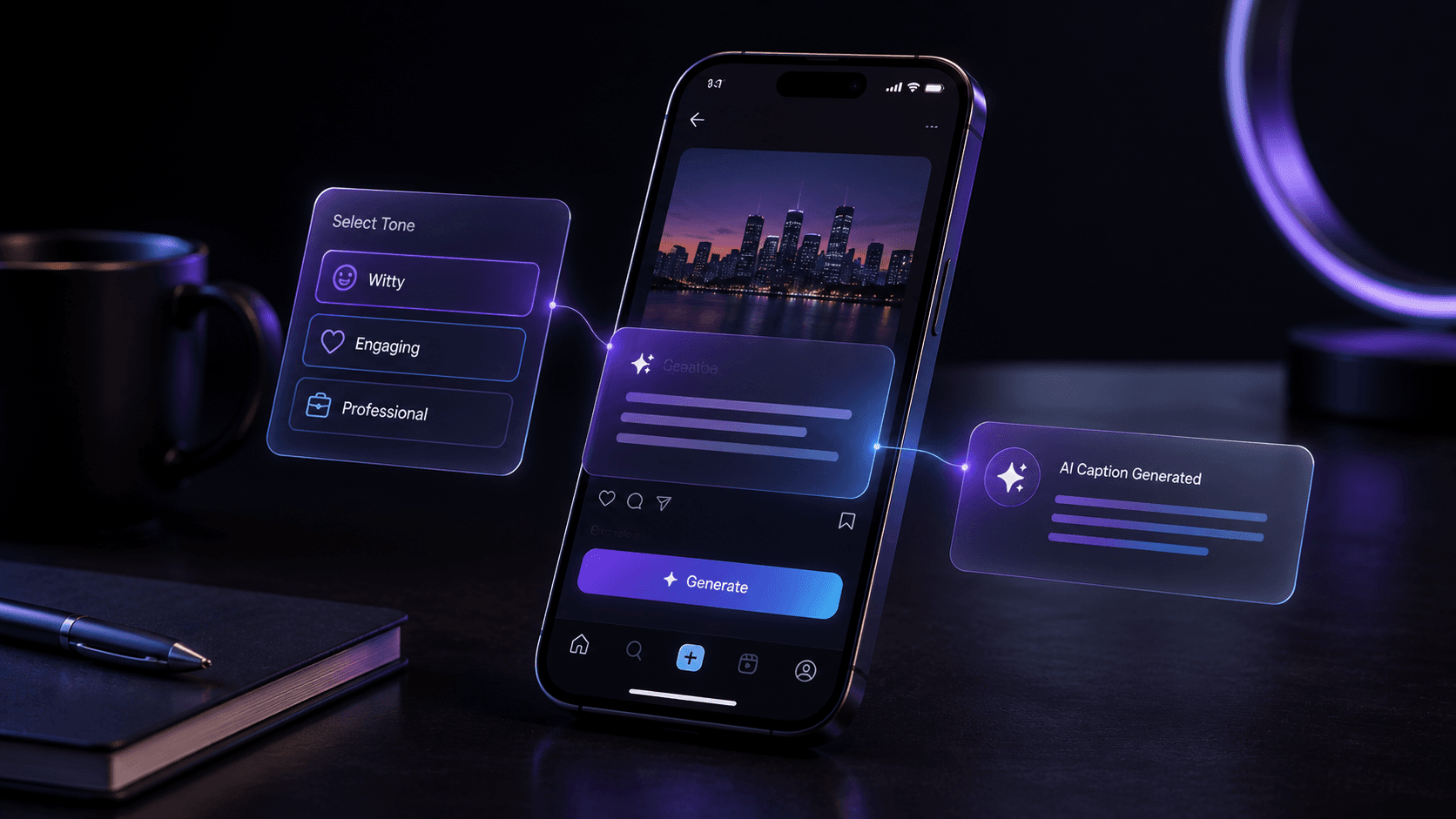
  • Generate caption options in different tones
  • Write stronger hooks and openings
  • Suggest content-calendar angles
  • Help with hashtags, call-to-actions, and short descriptions
  • Repurpose one post idea across multiple platforms

How to keep your brand voice intact

The main risk with AI captions is sameness. If you use generic prompts, you often get captions that sound like they were written for everyone and no one at the same time.

A better workflow is to give AI your tone, audience, content goal, and platform context. That creates output that feels more tailored and easier to edit.

Prompt ideas creators can reuse

  • - Write three caption options for this post in a warm creator tone
  • - Give me five hook ideas for a product reel without sounding salesy
  • - Turn this blog idea into a short-form carousel caption
  • - Repurpose this LinkedIn idea into a more playful Instagram version

Tip

Ask AI for variety, not just one caption. The ability to compare tone options is often where the value shows up.

Where Chat Genie helps creators

Chat Genie helps because creators often need more than captions alone. They may want visual prompt ideas, content planning, rewriting, AI images, and multiple draft tones in the same session.

That all-in-one flow is useful when content needs to move quickly from concept to publishable assets.

Common social content mistakes with AI

AI speeds things up, but it can also flatten originality if you let it.

Common mistakes

  • - Using generic prompts that produce generic captions
  • - Letting AI overwrite your normal brand voice
  • - Treating hashtags as the main strategy instead of the supporting layer
  • - Posting first-draft AI content without editing it for platform fit

FAQ

Can AI help with social media captions?

Yes. AI can help generate captions, hooks, hashtags, post angles, and content variations more quickly than writing every post from scratch.

How do I keep AI captions from sounding generic?

Give AI your tone, audience, and platform context, then ask for multiple options and edit the final version so it still sounds like your brand.

How does Chat Genie help creators with captions?

Chat Genie helps with caption drafting, content planning, creative writing, image prompts, and all-in-one creator workflows.

Conclusion

An AI social media caption generator is most useful when it helps creators move faster without losing voice or strategic clarity.

The best results come from treating AI like a strong draft partner instead of a final replacement for creative judgment.

Suggested internal links

CTA

Want one AI workspace for writing, study, research, and creativity?

Chat Genie brings multiple AI models, smart advisors, search, document tools, and creative workflows into one iPhone app without forcing you into one narrow use case.