Chat Genie blog

AI PDF Reader: How to Summarize Long Documents in Minutes

How AI PDF tools help users summarize reports, extract key points, explain sections, and turn long documents into useful notes.

Chat Genie Editorial Team2026-04-139 min read
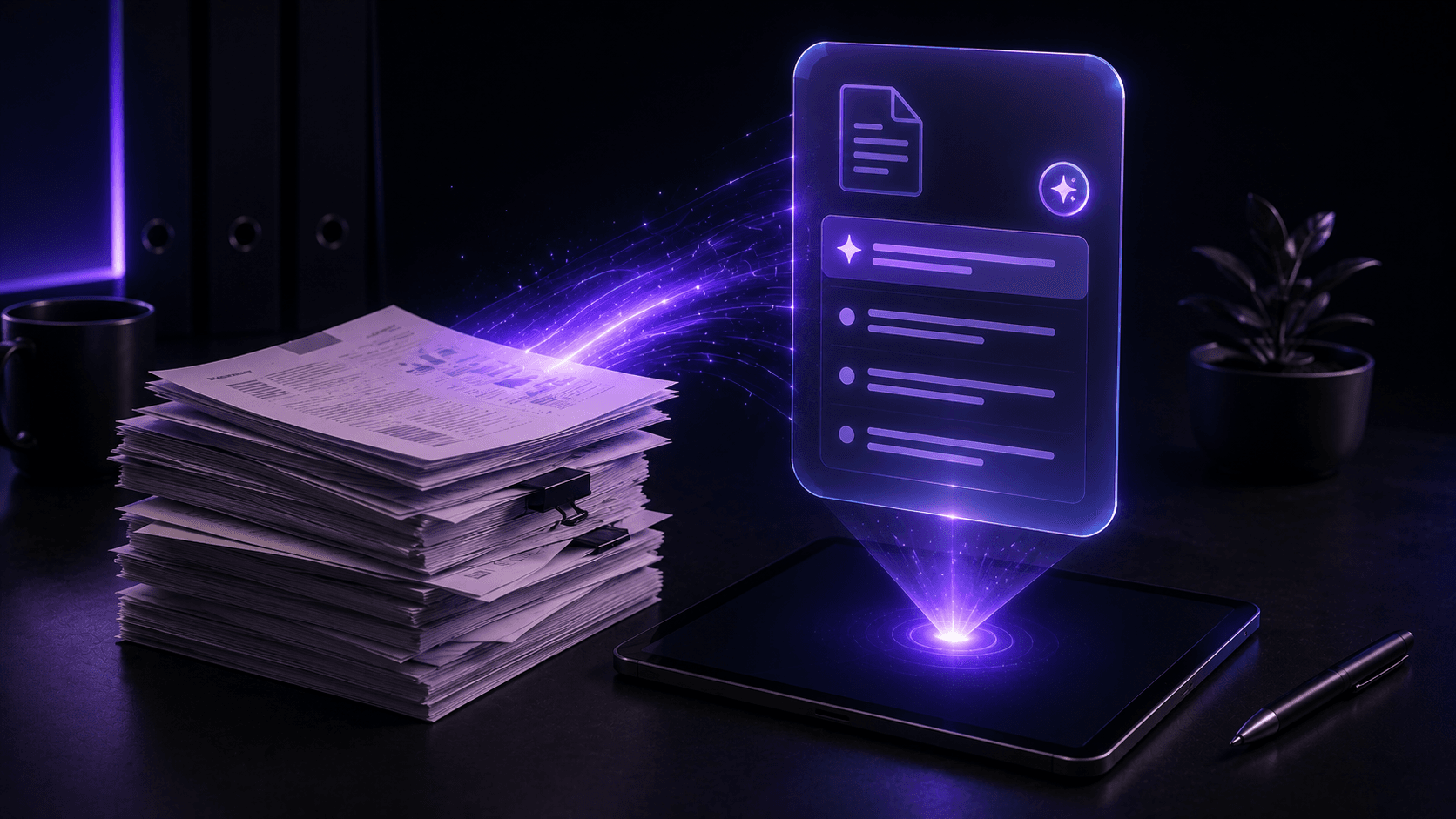
Cascading digital documents unfolding into summary cards and note blocks above a smartphone in a premium white-blue editorial scene.

Table of contents

Why PDFs are often hard to work through quickly

PDFs are useful, but they are rarely designed for speed. Reports, lecture slides, legal summaries, business documents, and research papers often bury important points inside long blocks of text or highly structured layouts.

That makes AI helpful because it can help users extract the shape of a document faster before they commit to a deeper read.

What an AI PDF reader can actually do

A good AI PDF workflow does more than shorten text. It helps you move from information overload to understanding.

  • Summarize long documents into core points
  • Explain technical sections more simply
  • Extract action items or next steps
  • Turn reports into study notes or briefing notes
  • Help compare themes across sections

Best use cases for AI PDF reading

Students, professionals, researchers, and creators all use documents differently, but the same pattern shows up again and again: people do not only want shorter documents. They want clearer documents.

Students

Students can use AI to turn dense readings into notes, revision summaries, and simpler explanations before studying in more depth.

Professionals

Professionals benefit from extracting decisions, risks, deadlines, and key sections from long reports quickly.

Researchers and careful readers

Researchers can use AI to map a document's structure first, but should still verify important claims, especially in legal, financial, or technical contexts.

Where Chat Genie helps with document workflows

Chat Genie is useful because document work often connects to other tasks. After summarizing a PDF, users may want to ask follow-up questions, simplify a section, turn notes into flashcards, compare findings, or draft a response based on the document.

That is where an all-in-one AI workflow becomes helpful. Users can stay in one place instead of moving between separate note, search, and writing tools.

Tip

For important legal, medical, or financial documents, treat AI as a clarity helper and not as a final authority.

Common mistakes with AI PDF tools

AI can help a lot with documents, but it should not replace careful reading when the stakes are high.

Common mistakes

  • - Trusting summaries without checking the original section
  • - Using AI output as final legal, medical, or financial guidance
  • - Ignoring the difference between summary and interpretation
  • - Skipping the chance to ask follow-up questions after the first summary

FAQ

Can an AI PDF reader summarize long documents well?

Yes. AI PDF readers can help summarize long documents, extract key points, and simplify technical sections, especially when used as a first-pass reading tool.

Should I trust AI summaries for important documents?

Important legal, medical, technical, or financial information should still be verified in the original document or with a qualified expert when needed.

How does Chat Genie help with PDFs?

Chat Genie supports PDF and document uploads, summaries, follow-up questions, note creation, and related writing or study workflows in one app.

Conclusion

An AI PDF reader is most useful when it helps you move through dense material faster without losing the ability to go deeper where it matters.

The best workflow is usually summary first, verification second, and action third.

Suggested internal links

CTA

Want one AI workspace for writing, study, research, and creativity?

Chat Genie brings multiple AI models, smart advisors, search, document tools, and creative workflows into one iPhone app without forcing you into one narrow use case.