Chat Genie blog

AI Code Assistant for Beginners: How to Debug, Explain and Learn Code Faster

How beginners can use AI to understand code, debug errors, explain syntax, and learn without trusting every answer blindly.

Chat Genie Editorial Team2026-04-0510 min read
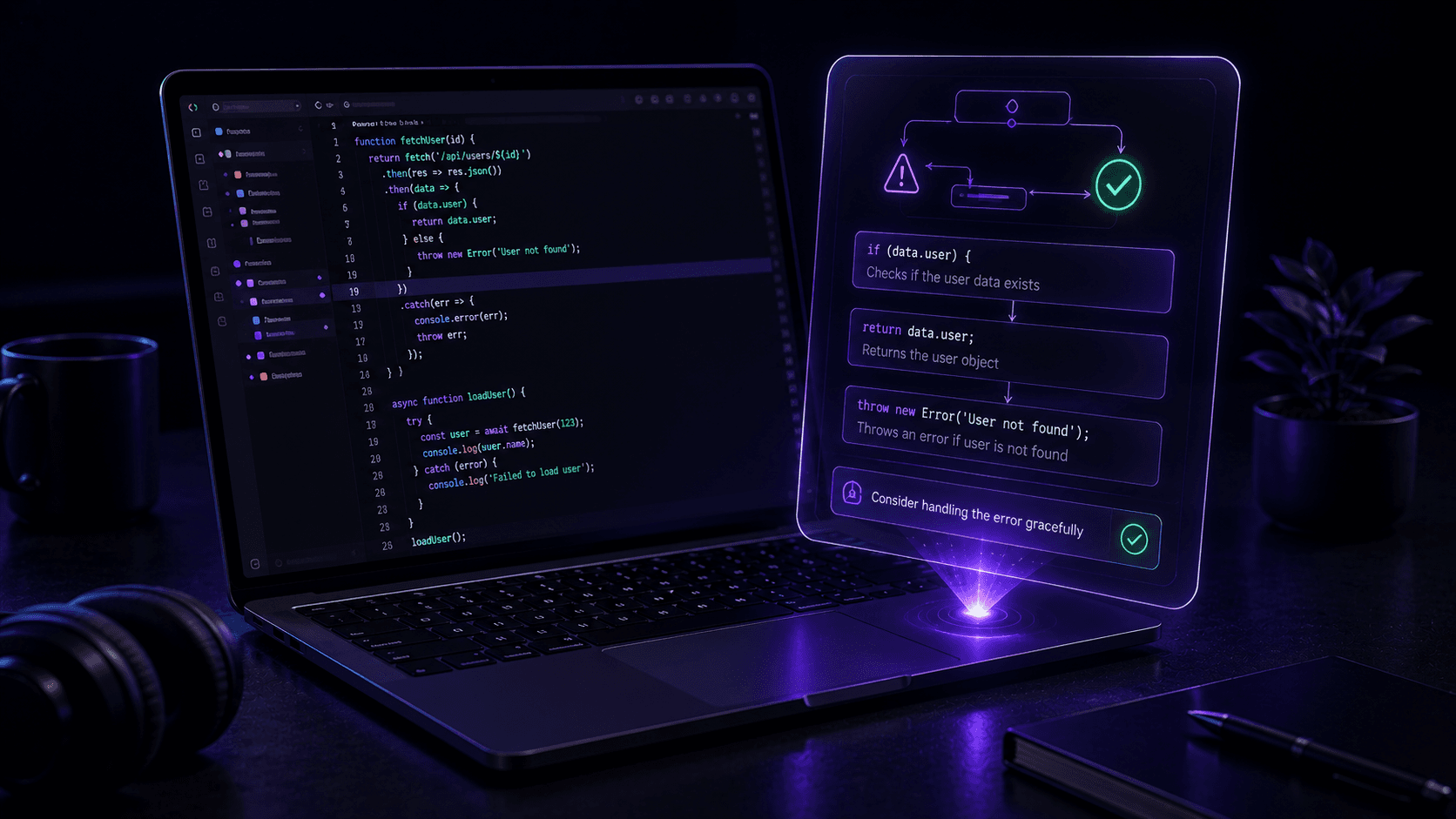
Angled premium 3D scene of abstract code blocks with a glowing bug icon transforming into clean structured panels.

Table of contents

Why beginners find AI coding help so useful

Learning code is often frustrating because beginners do not only need answers. They need translation. Error messages are confusing, syntax feels unfamiliar, and many tutorials assume background knowledge that new learners do not yet have.

AI becomes useful because it can explain a piece of code in plainer language, walk through why an error is happening, and suggest next steps without requiring the learner to search five different sources first.

Best uses for an AI code assistant

Beginners usually benefit most when AI is used as an explainer and debugging partner rather than as a silent code generator.

  • Explaining what a function is doing
  • Debugging obvious errors with step-by-step reasoning
  • Comparing how similar concepts work in different languages
  • Adding comments and clearer explanations to existing code
  • Turning confusing syntax into beginner-friendly descriptions

How to prompt for better debugging help

AI code help improves a lot when you include the goal, the code, the error, and what you already tried. That makes the answer far more grounded than simply saying the code does not work.

It is also helpful to ask the AI to explain the cause before suggesting a fix. That way you learn why the problem happened instead of only copying a patch.

Prompt pattern that works well

  • - Explain what this function is trying to do in simple terms
  • - Find the bug and tell me why it happens
  • - Show me a corrected version and explain each change
  • - Give me one beginner mistake to watch for next time

Tip

Always run and test AI code yourself. AI can be useful for learning, but it can still be wrong or incomplete.

Where Chat Genie helps for coding questions

Chat Genie is helpful for coding because beginners often need more than one style of explanation. One model may explain more clearly, another may reason through the error more carefully, and another may produce cleaner example code.

That makes multi-model access especially useful in technical learning. Instead of treating one answer as perfect, learners can compare explanations and keep the one that makes the most sense.

Common mistakes beginners make with AI code tools

AI coding support becomes less helpful when learners turn it into a copy-and-paste habit.

Common mistakes

  • - Using code without understanding what it does
  • - Skipping the error explanation and only grabbing the fix
  • - Trusting AI output in production without testing
  • - Asking vague questions without including the real problem context

FAQ

Can beginners use an AI code assistant effectively?

Yes. AI can be especially helpful for beginners when it explains code, walks through bugs, and teaches syntax in simpler language.

Should I trust AI-generated code without testing it?

No. AI can make mistakes or miss edge cases, so code should always be tested and reviewed before real use.

How does Chat Genie help with coding?

Chat Genie helps with coding by offering multi-model access, code explanation support, debugging help, and structured workflows for technical questions.

Conclusion

An AI code assistant is most valuable when it teaches, explains, and helps you debug with more confidence.

For beginners, the real win is not getting code faster. It is understanding code faster.

Suggested internal links

CTA

Want one AI workspace for writing, study, research, and creativity?

Chat Genie brings multiple AI models, smart advisors, search, document tools, and creative workflows into one iPhone app without forcing you into one narrow use case.