AI Study Tutor blog

Homework Scanner App: Turn Worksheets Into Clear Explanations

How a homework scanner app helps students turn worksheets and textbook questions into clearer starting points and better explanations.

AI Study Tutor Editorial Team2026-03-219 min read
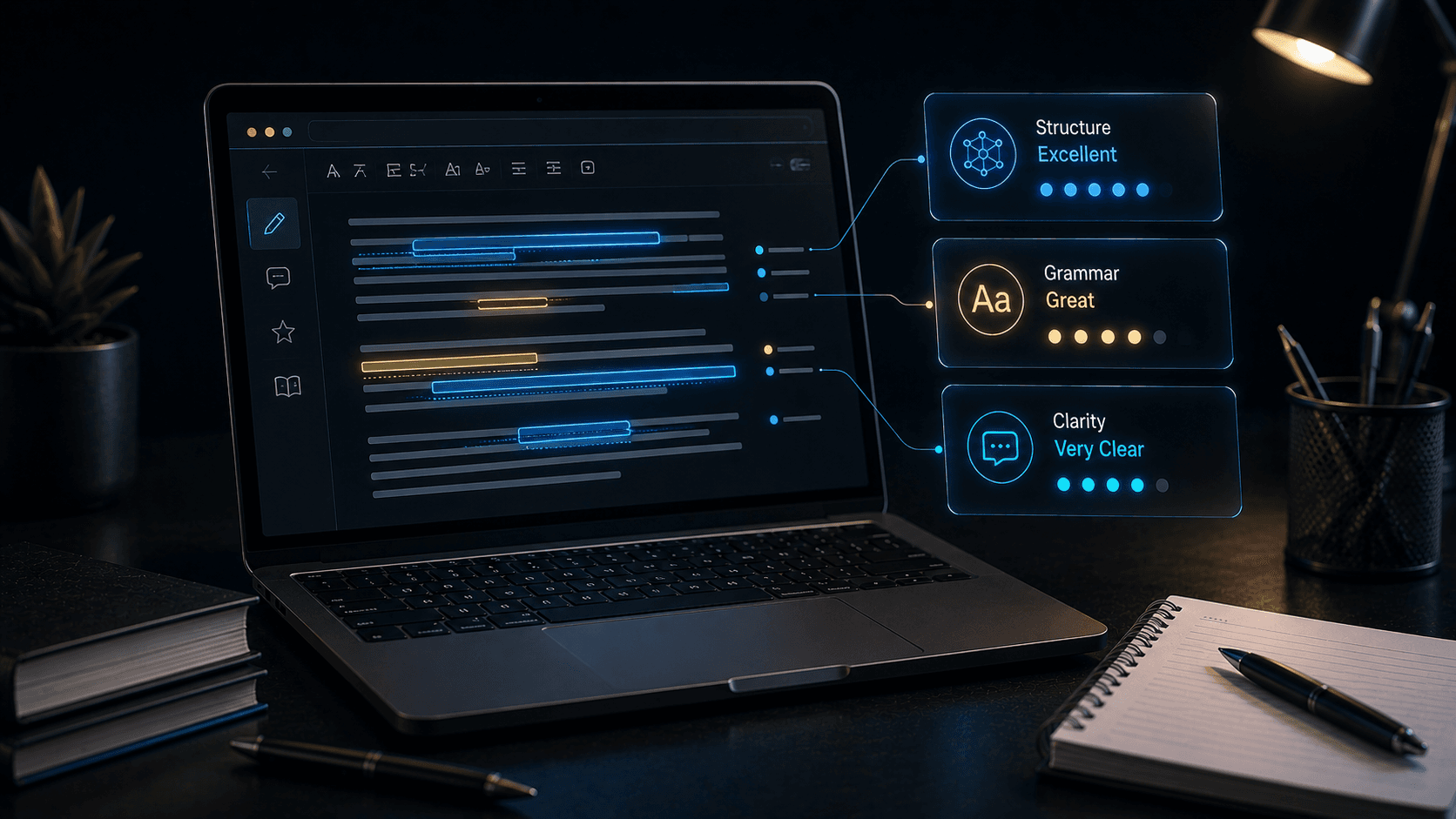
Worksheet scanned by a smartphone camera with highlighted problem zones and floating explanation cards in a premium school scene.

Table of contents

Why scanning homework feels so useful for students

A lot of homework frustration starts before the solving begins. Students may not know which part of the question matters most, what the teacher is really asking, or how to break the task into smaller pieces. A scanner helps because it removes the friction of retyping and turns the question into something the AI can work with immediately.

That speed matters, but the real value comes after the scan. The app should help students understand the worksheet more clearly, not only process it faster.

What a good homework scanner workflow should do

A good scanning feature should move the student from image capture to explanation, clarification, and next-step action.

  • Capture worksheets or textbook questions quickly
  • Identify the part of the question that matters most
  • Explain what the task is asking in simpler language
  • Help the student decide how to begin the answer

How students can use it better

Scanning works best when students use it as a starting tool and not a finishing tool. After the question is captured, they should ask for a breakdown, a method, and one or two guiding hints rather than rushing directly to the full answer.

This is especially helpful for mixed-subject homework where wording can be as confusing as the content itself.

Helpful prompt templates

  • - Scan this worksheet and explain what the question is really asking
  • - Break this into three simpler steps before solving it
  • - Tell me what subject skill this question is testing
  • - Give me a hint for how to begin without finishing it for me

Tip

If the wording is the main problem, ask the AI to rewrite the question in simpler language before asking for help with the answer.

Where AI Homework Helper & Tutor fits naturally

AI Homework Helper & Tutor includes homework scanning as part of a wider study workflow, which matters because scanned questions often lead to follow-up needs such as concept explanation, step-by-step solving, quiz creation, or revision notes.

That broader workflow can be much more useful than scanning alone because it supports what comes after the first explanation.

Common mistakes with homework scanning

Scanning makes homework faster to start, but it does not automatically make learning better.

Common mistakes

  • - Scanning the question and copying the first answer directly
  • - Ignoring whether the captured image was clear enough
  • - Using scanning without asking follow-up explanation questions
  • - Assuming the AI understood the whole task correctly on the first try

FAQ

What does a homework scanner app do?

A homework scanner app lets students capture worksheets, textbook questions, or notes with a camera and then use AI to explain, break down, or help solve the content.

Is scanning homework better than typing everything out?

It is often faster and easier, especially for longer questions, but students still need to review the explanation and use it as a learning step rather than a shortcut.

How does AI Study Tutor use homework scanning?

AI Study Tutor uses homework scanning to help students capture questions quickly and then move into explanation, solving support, summaries, and revision workflows.

Conclusion

A homework scanner app is most useful when it reduces startup friction and makes the question clearer, not when it ends the thinking process too early.

The best workflow is scan first, understand second, and solve with support after that.

Suggested internal links

CTA

Need calmer homework help and better revision structure?

AI Homework Helper & Tutor brings subject-aware support, step-by-step explanations, flashcards, quizzes, notes, and study planning into one focused student app.